Home · Screens

The application in pictures

A glimpse of Educato: a selection of real screens, taken from the French-language application on fictitious demonstration data (three schools in Ouagadougou, six school years replayed). Filter by user, switch to dark mode, click to enlarge.
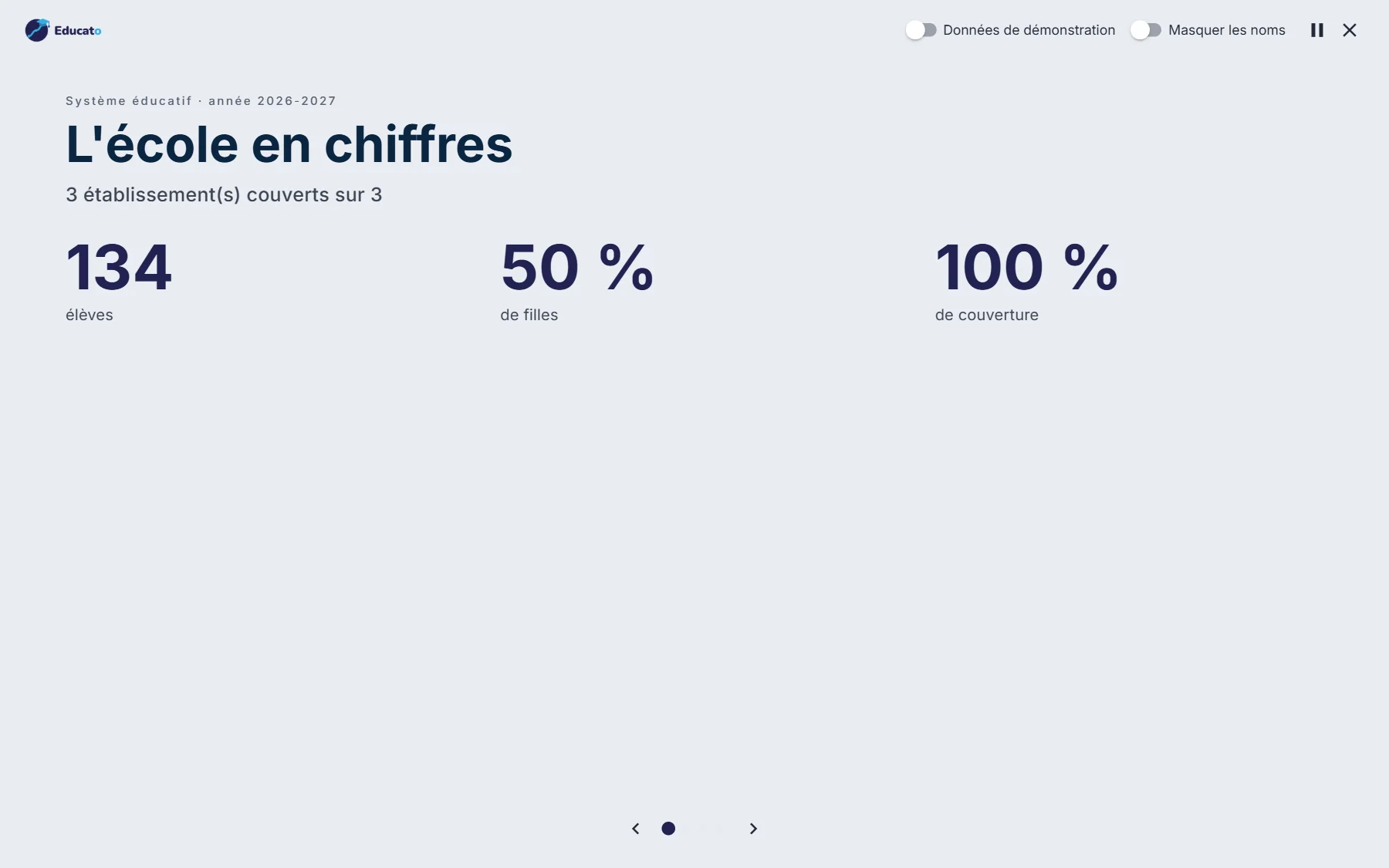
Presentation mode — Schools in figures, full screen
MinistryPresentation modeSchools in figures, full screen
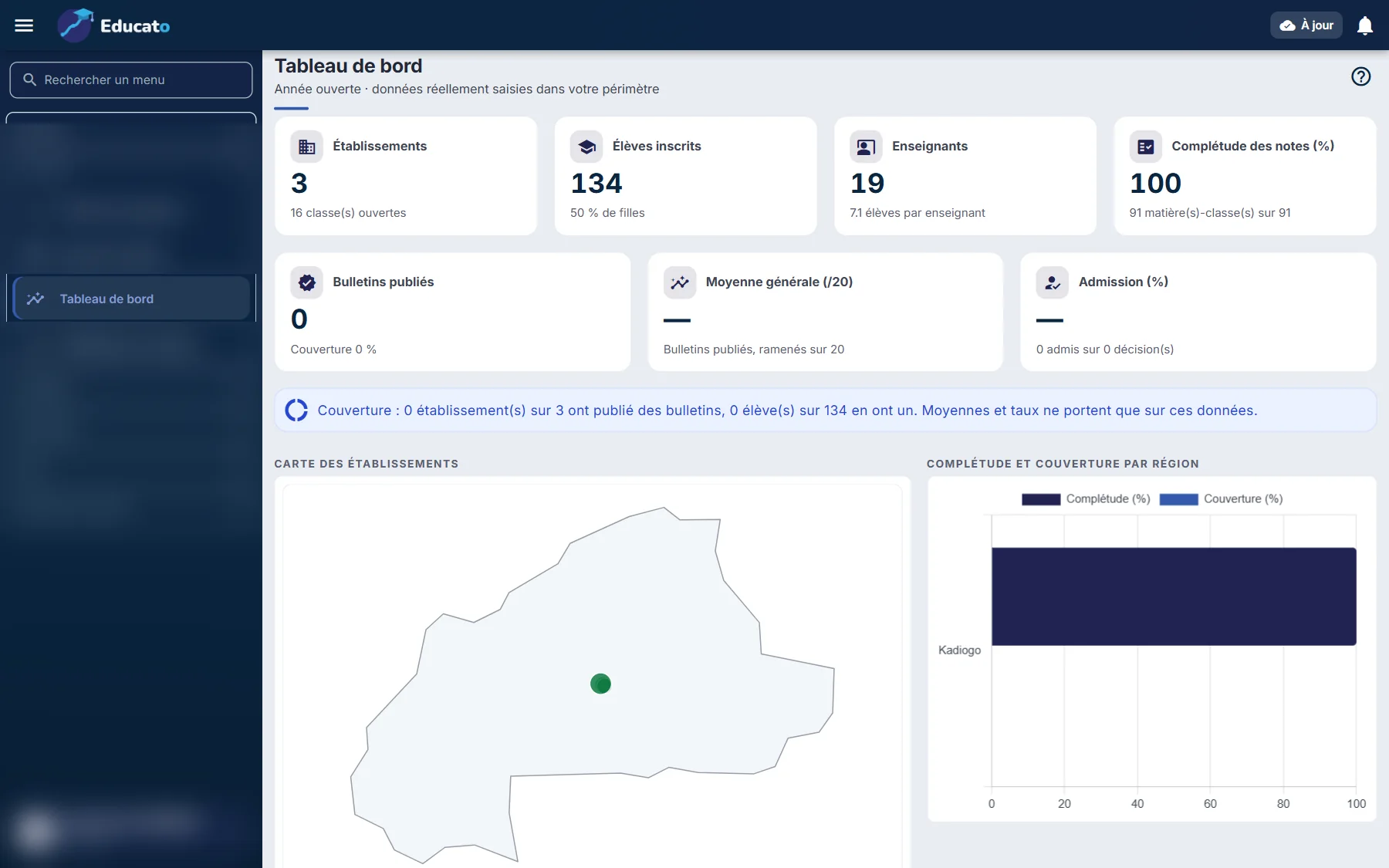
National dashboard — Schools, students, completeness, map
MinistryNational dashboardSchools, students, completeness, map
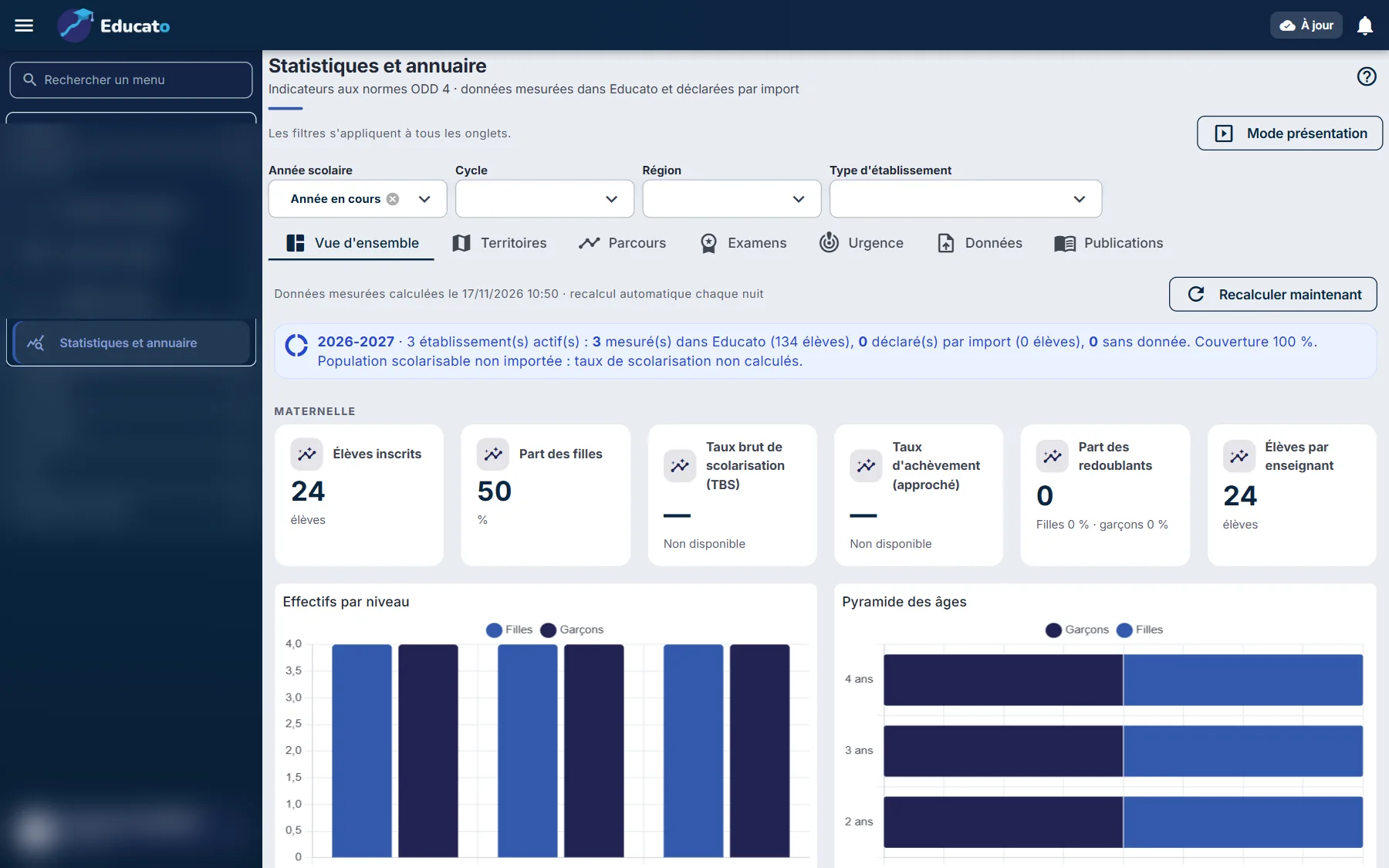
Statistics and yearbook — SDG 4 standard indicators
MinistryStatistics and yearbookSDG 4 standard indicators
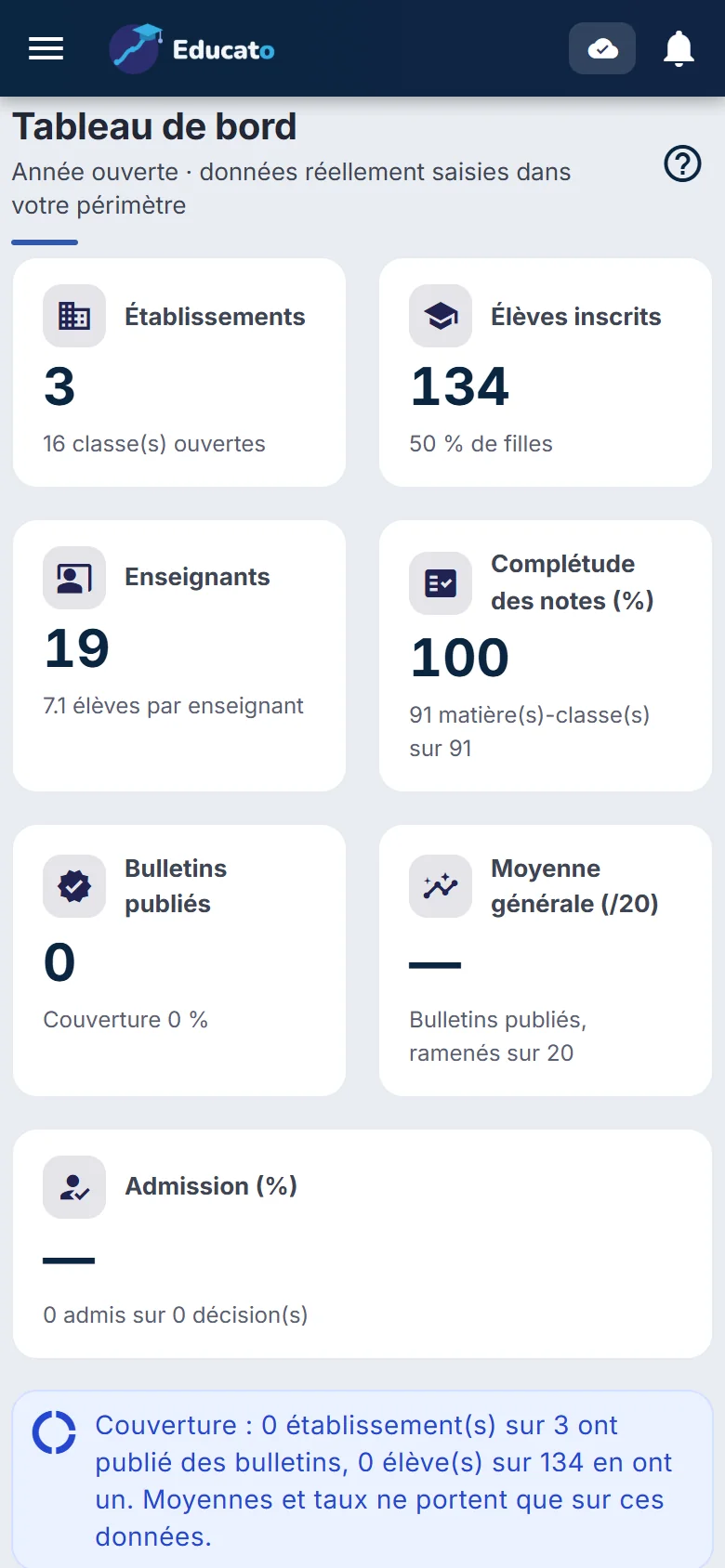
The dashboard on a phone — Steering from your pocket
MinistryThe dashboard on a phoneSteering from your pocket
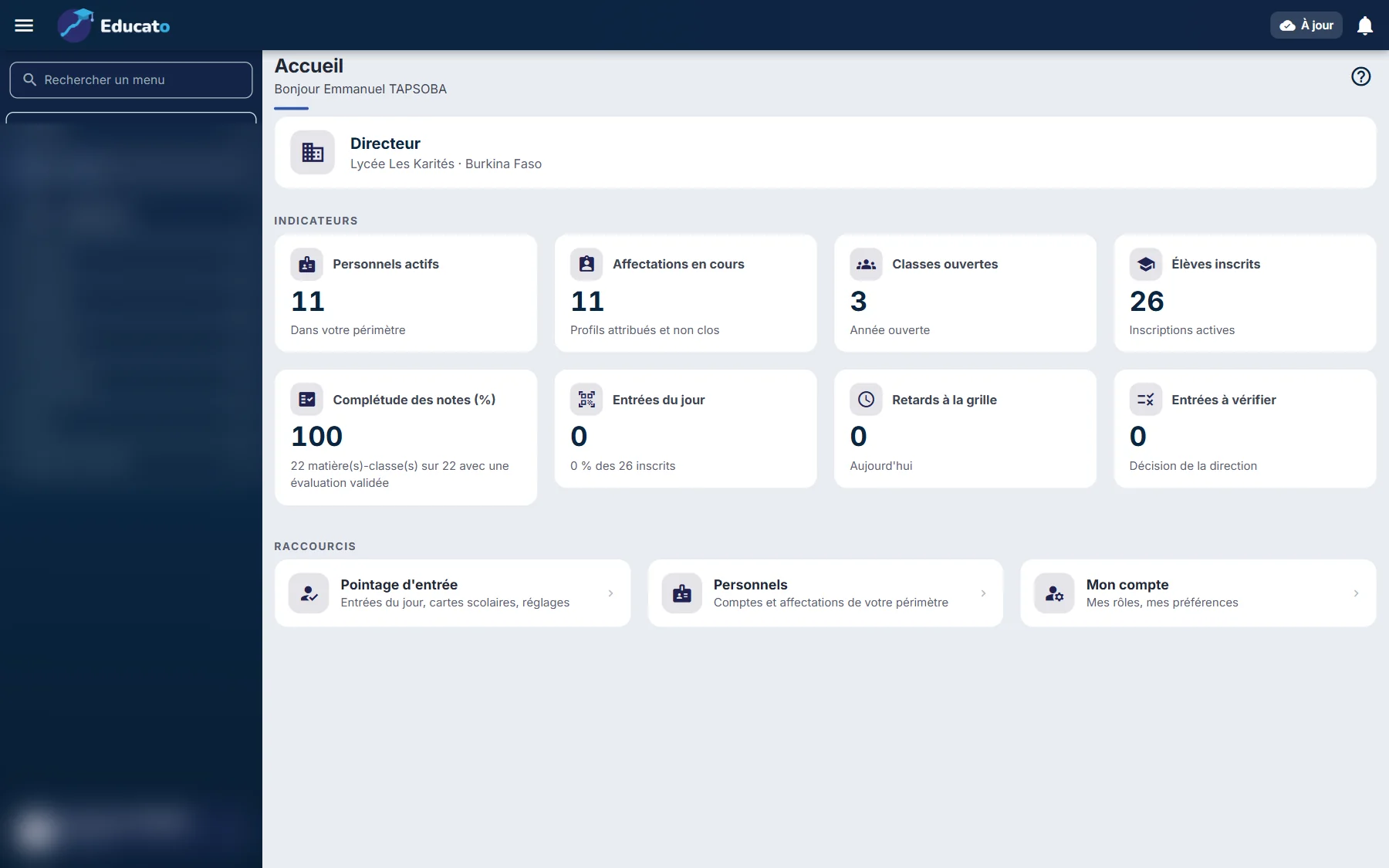
Principal's home — Today's indicators and shortcuts
SchoolPrincipal's homeToday's indicators and shortcuts
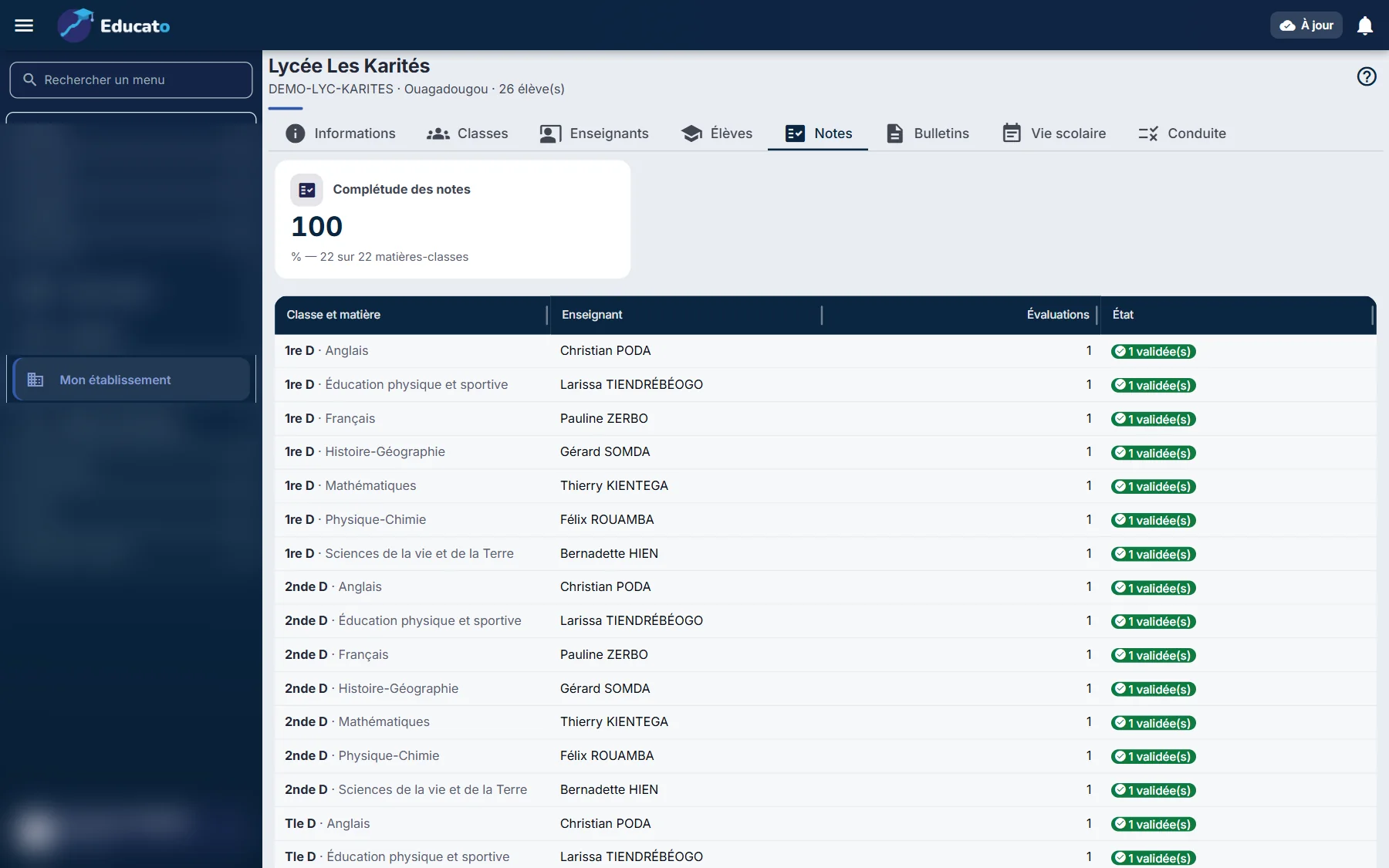
Grade completeness — By subject and by class
SchoolGrade completenessBy subject and by class
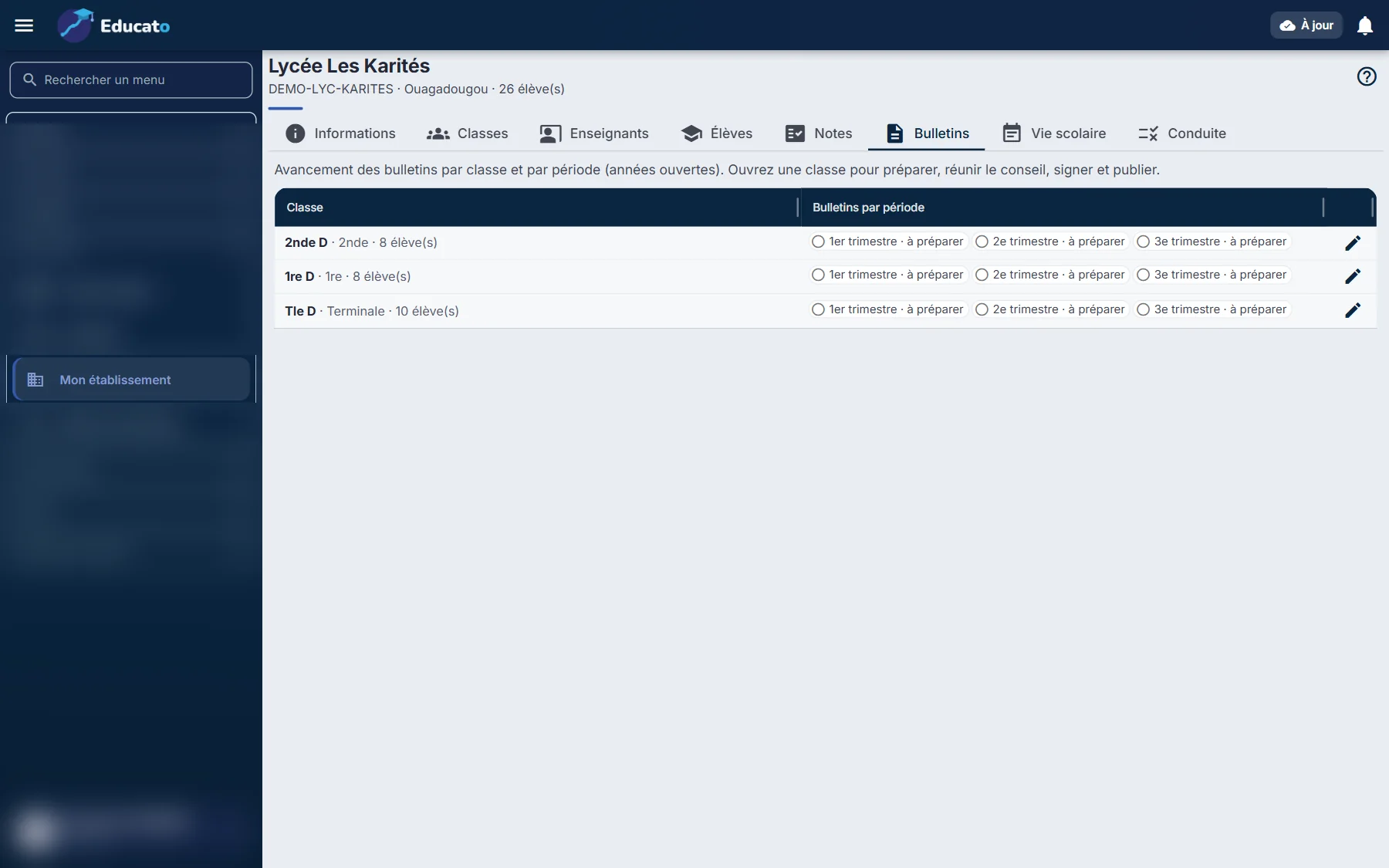
Report cards — By class and by term
SchoolReport cardsBy class and by term
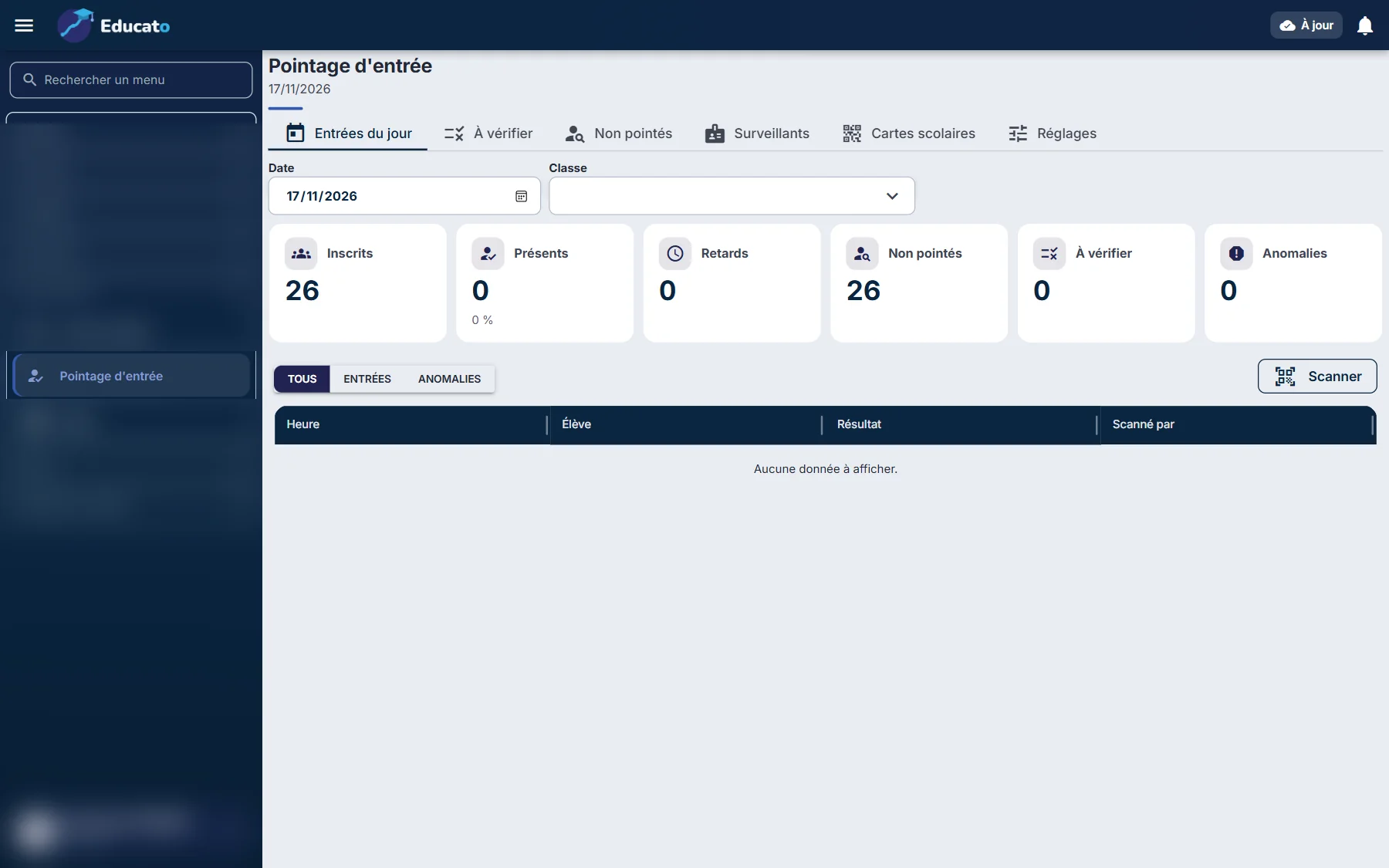
Gate check-in — Arrivals, late arrivals, students to check
SchoolGate check-inArrivals, late arrivals, students to check
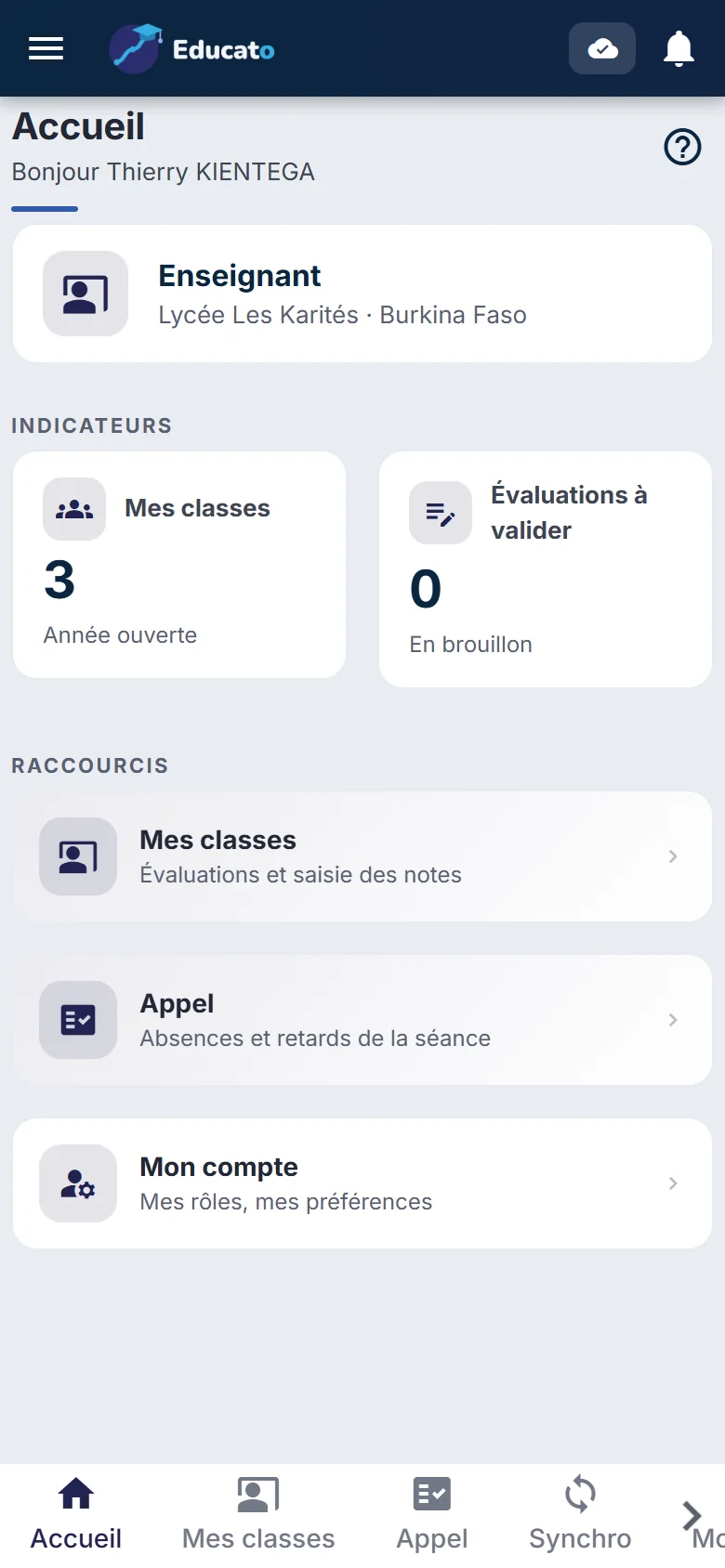
Teacher's home — Classes and assessments to approve
TeacherTeacher's homeClasses and assessments to approve
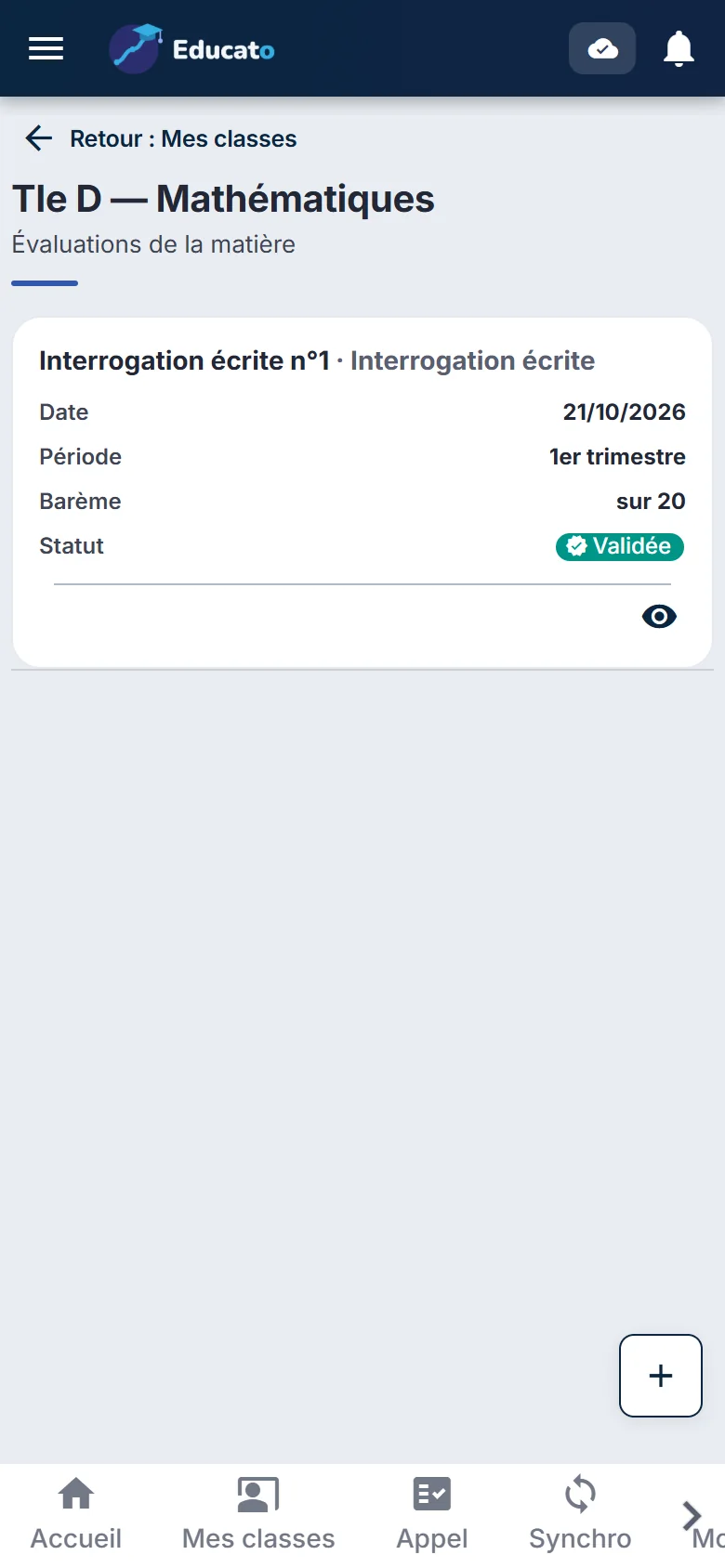
Assessments — Quizzes, tests, exams
TeacherAssessmentsQuizzes, tests, exams
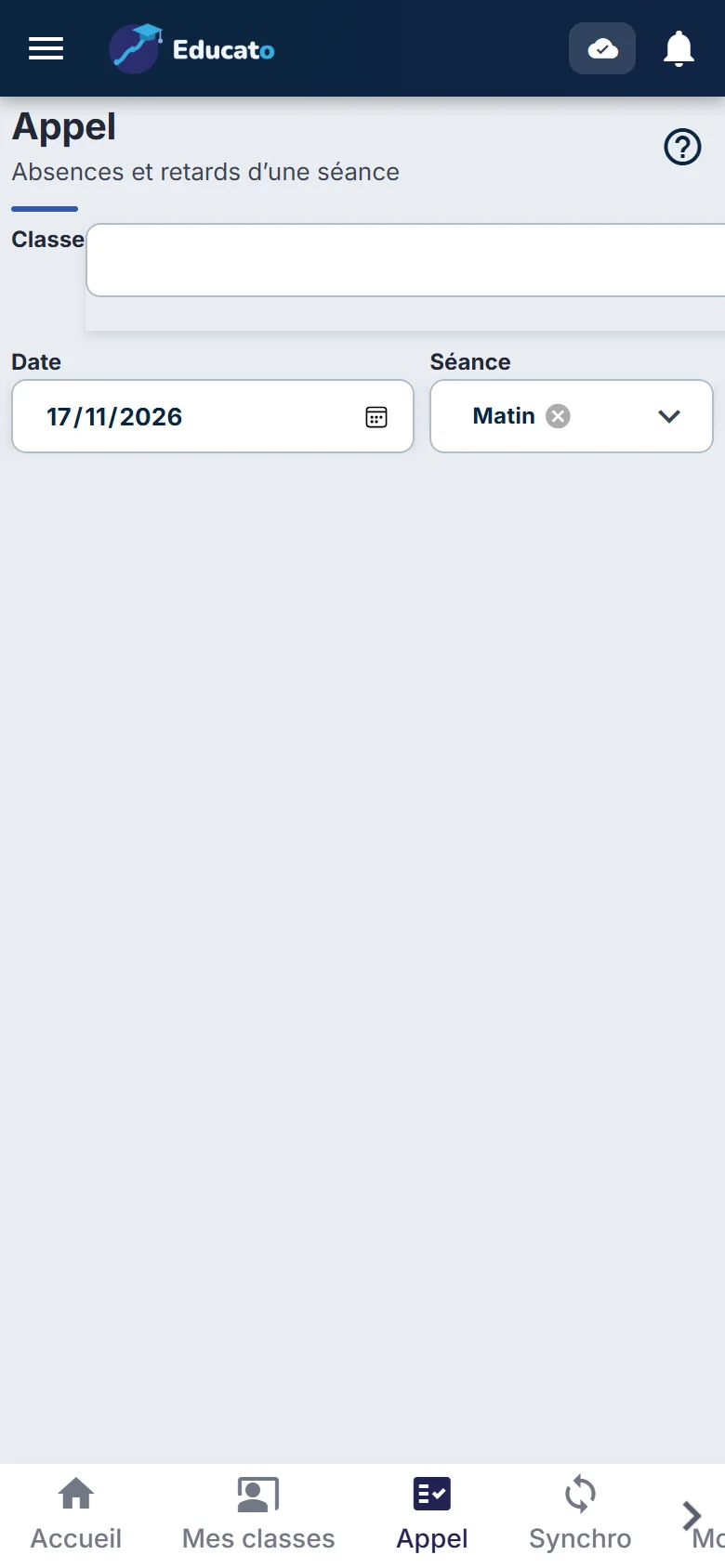
Roll call — Present, absent, late: saved
TeacherRoll callPresent, absent, late: saved
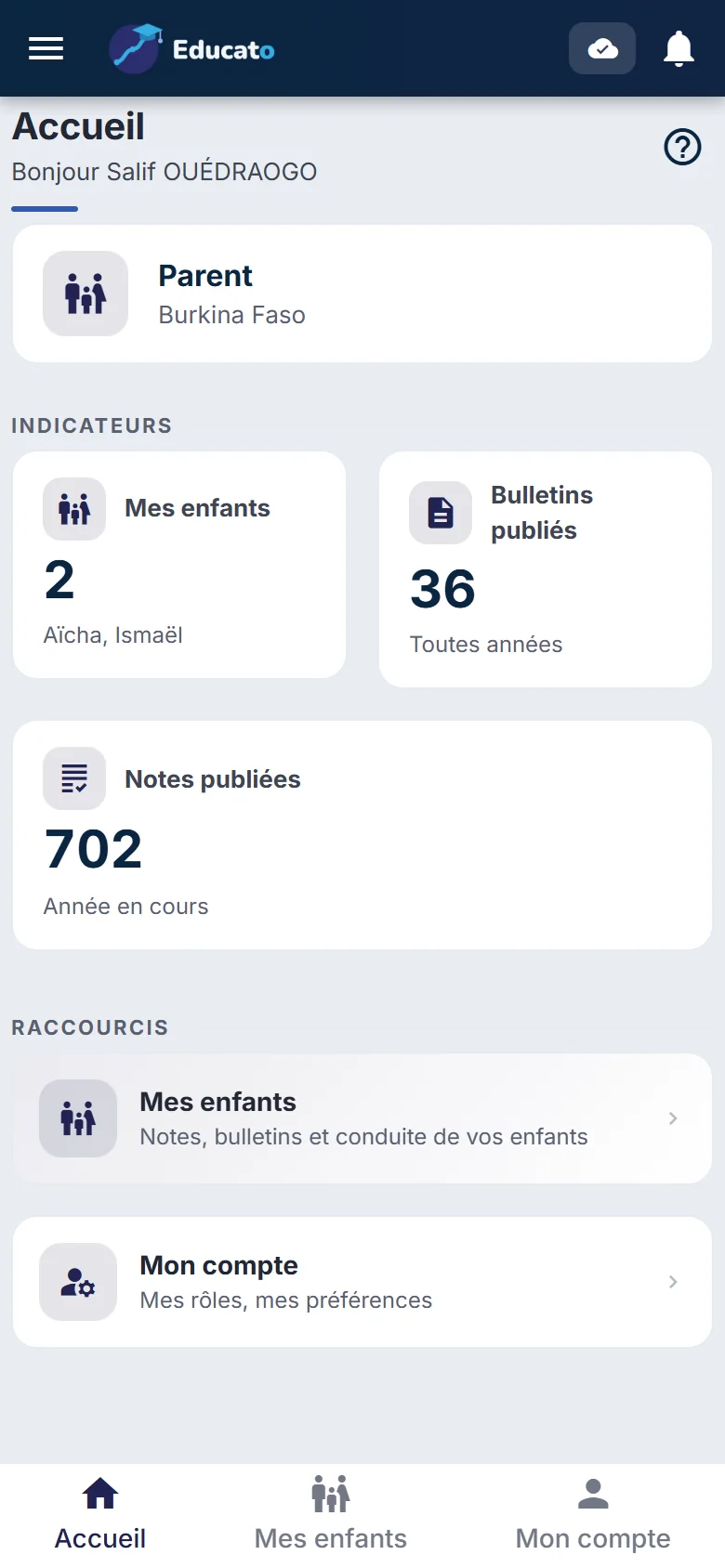
Parent's home — Children, report cards, published grades
FamilyParent's homeChildren, report cards, published grades
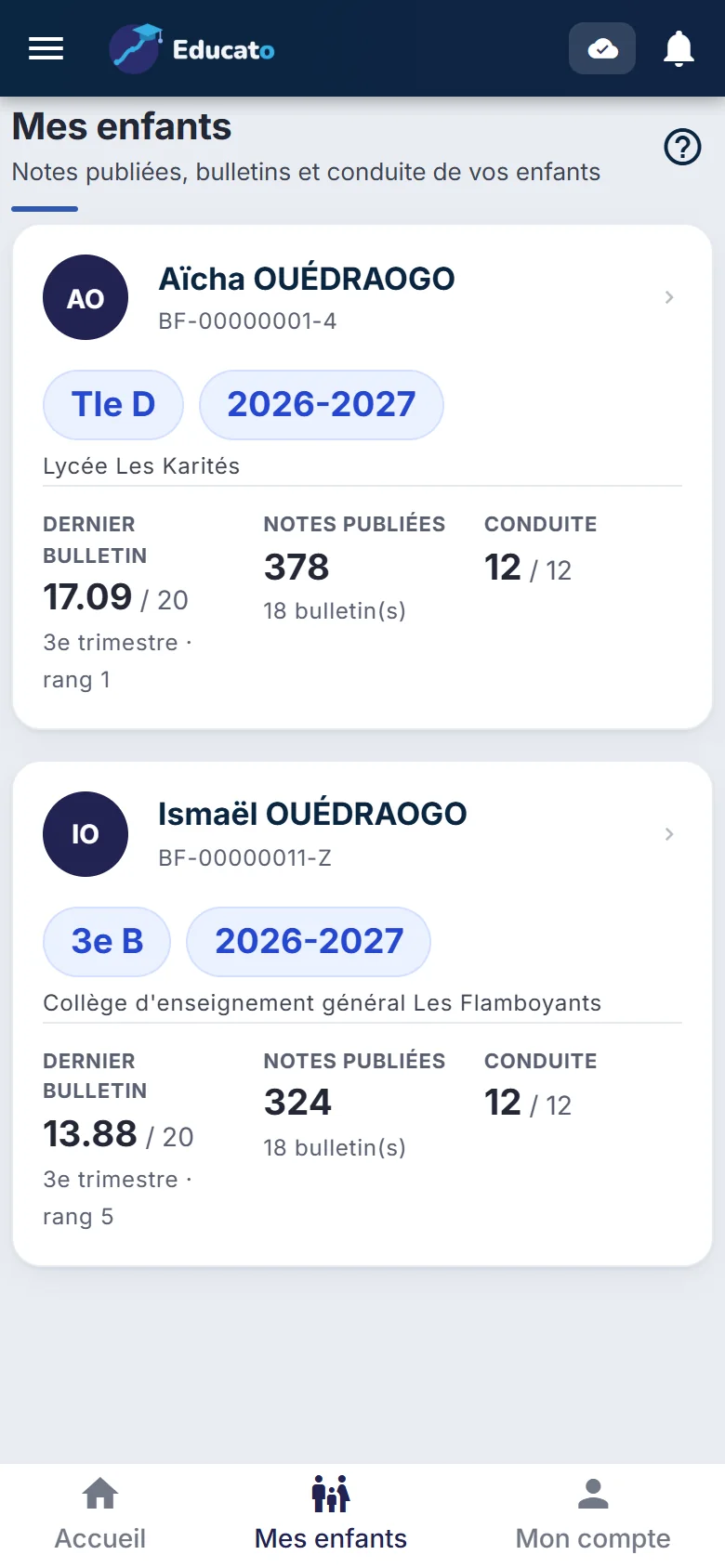
My children — Latest report card, rank, conduct
FamilyMy childrenLatest report card, rank, conduct
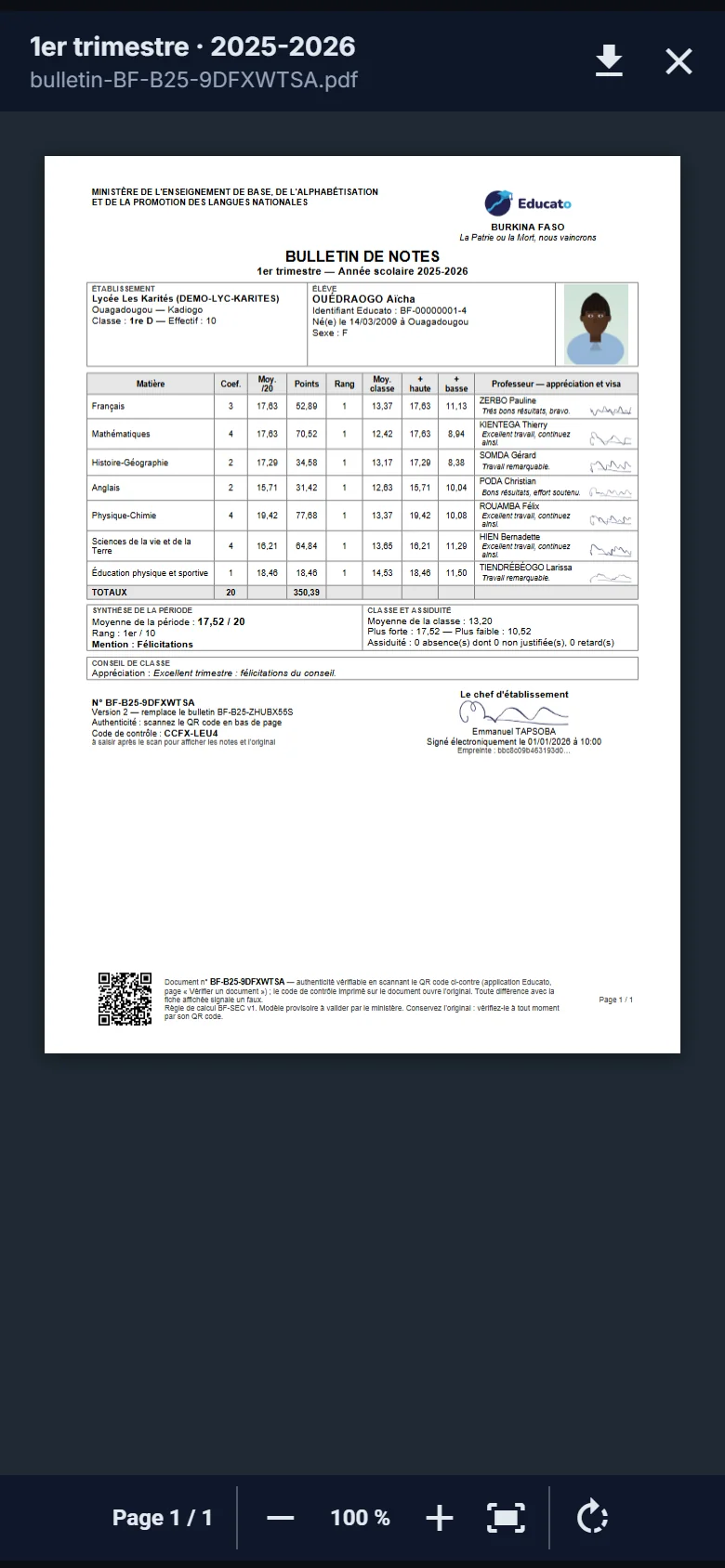
The report card, opened — Readable on a phone
FamilyThe report card, openedReadable on a phone
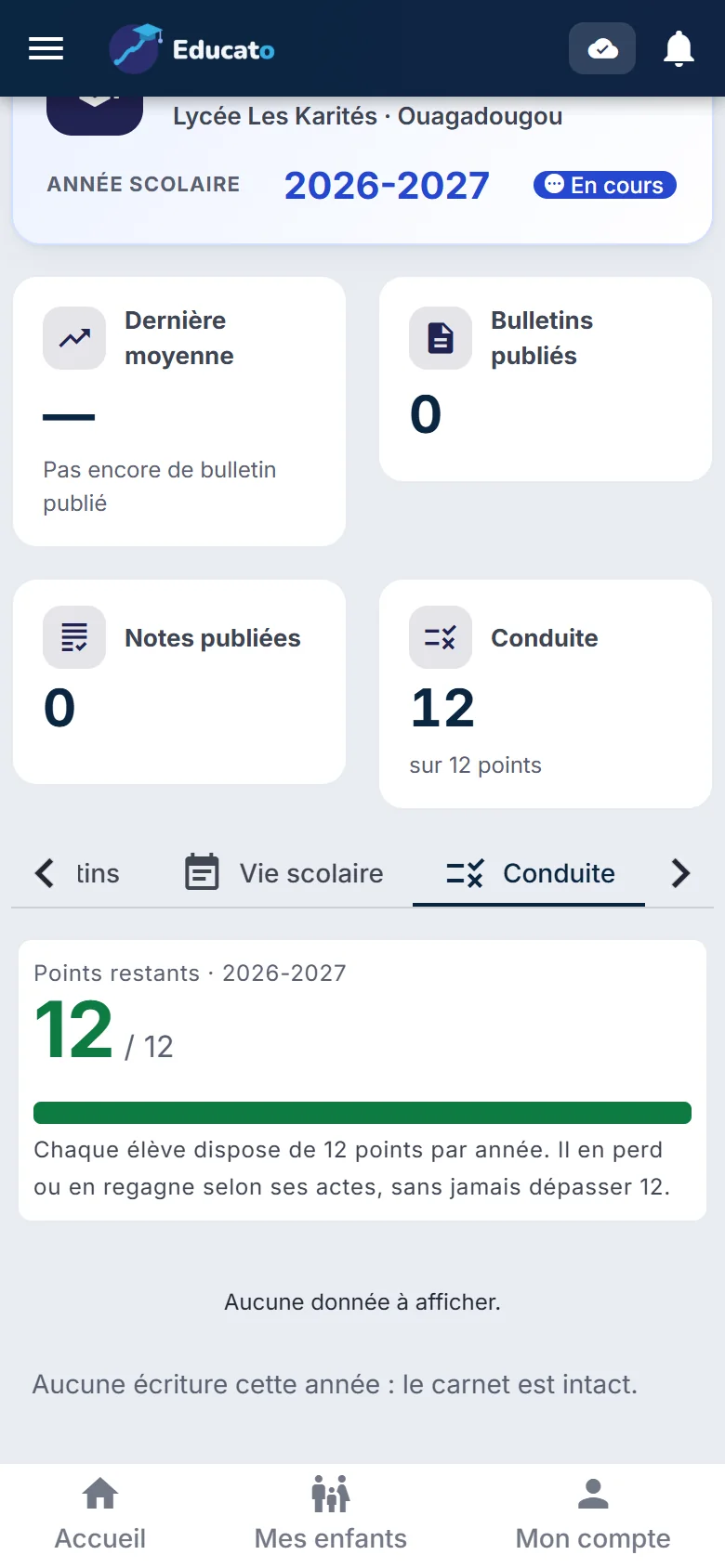
Conduct record — 12 points per year
FamilyConduct record12 points per year
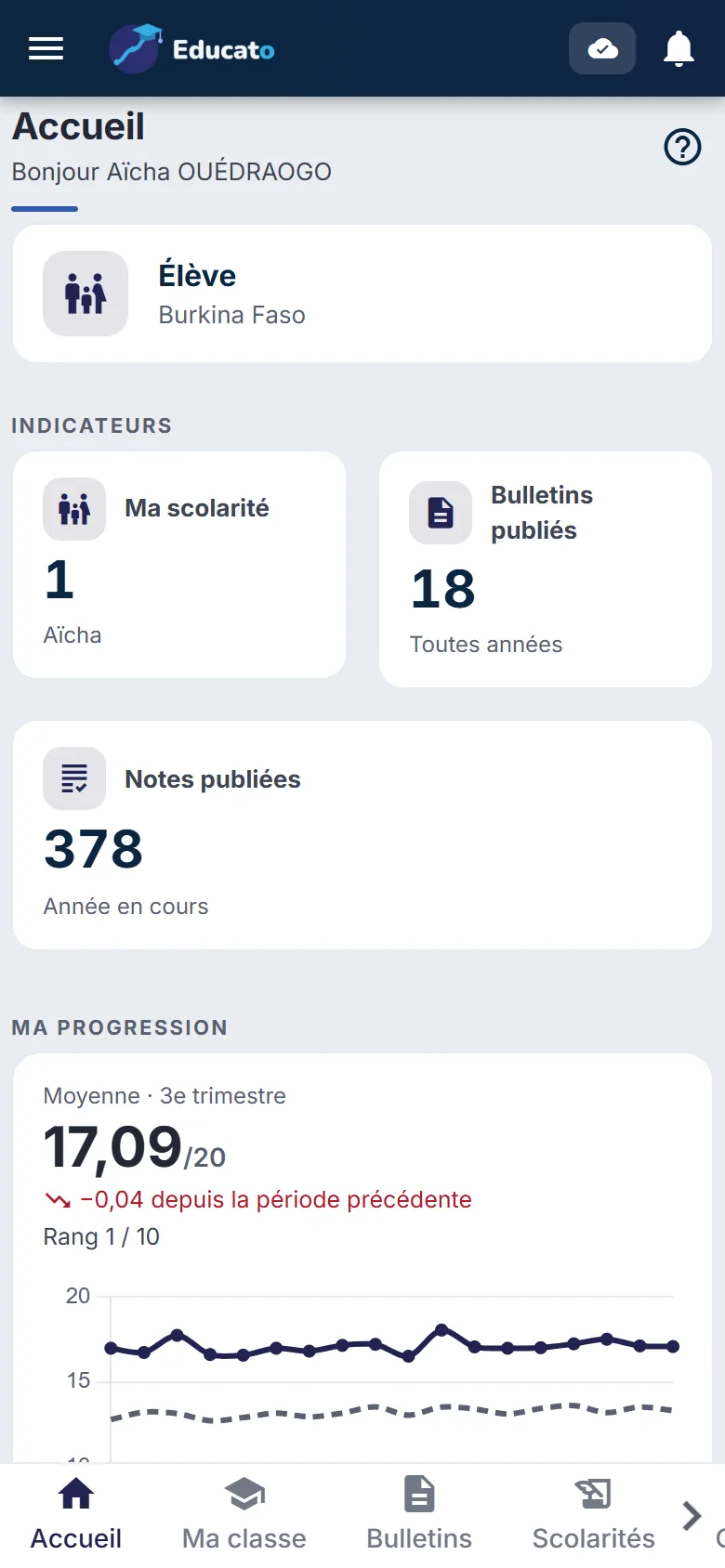
Student's home — Schooling and report cards
StudentStudent's homeSchooling and report cards
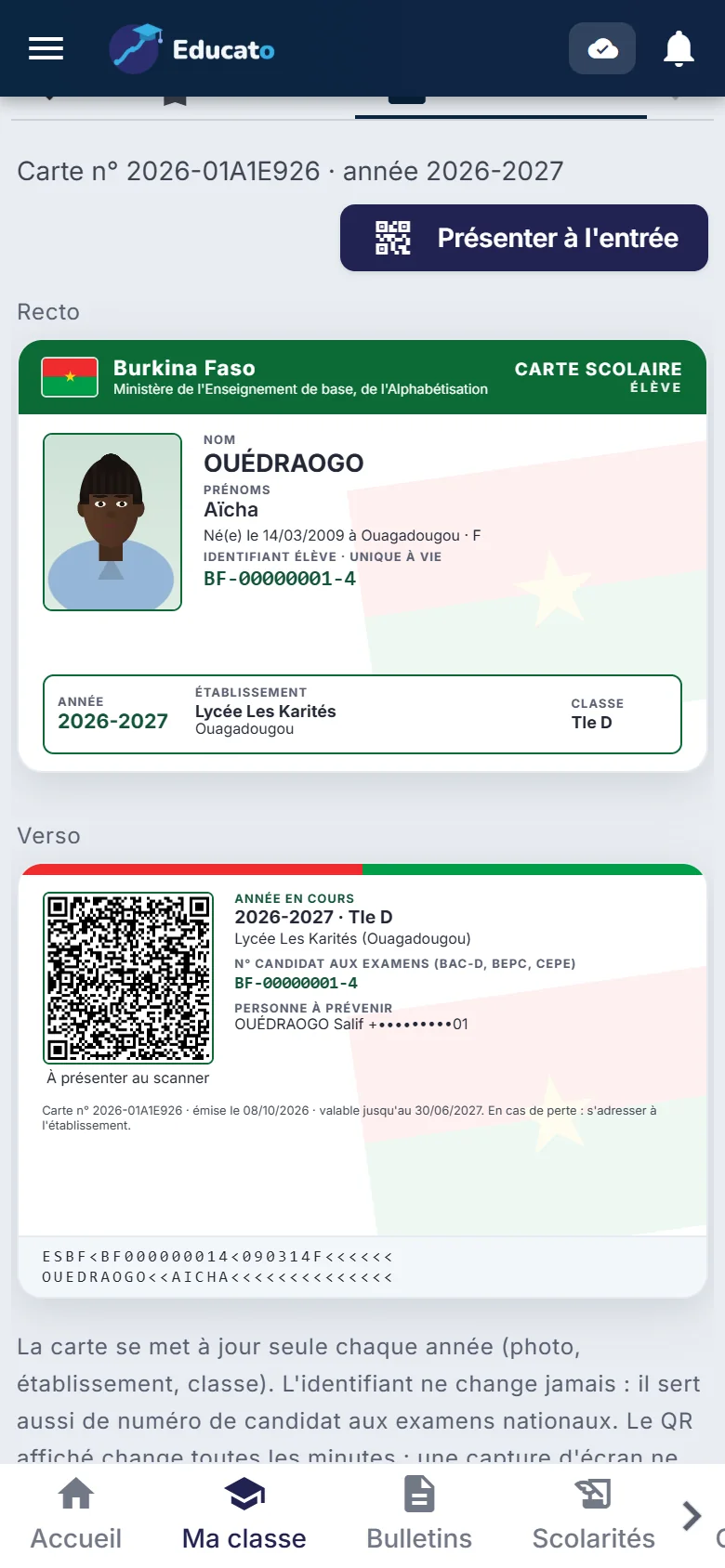
Virtual student ID card — Front, back, QR code to show
StudentVirtual student ID cardFront, back, QR code to show
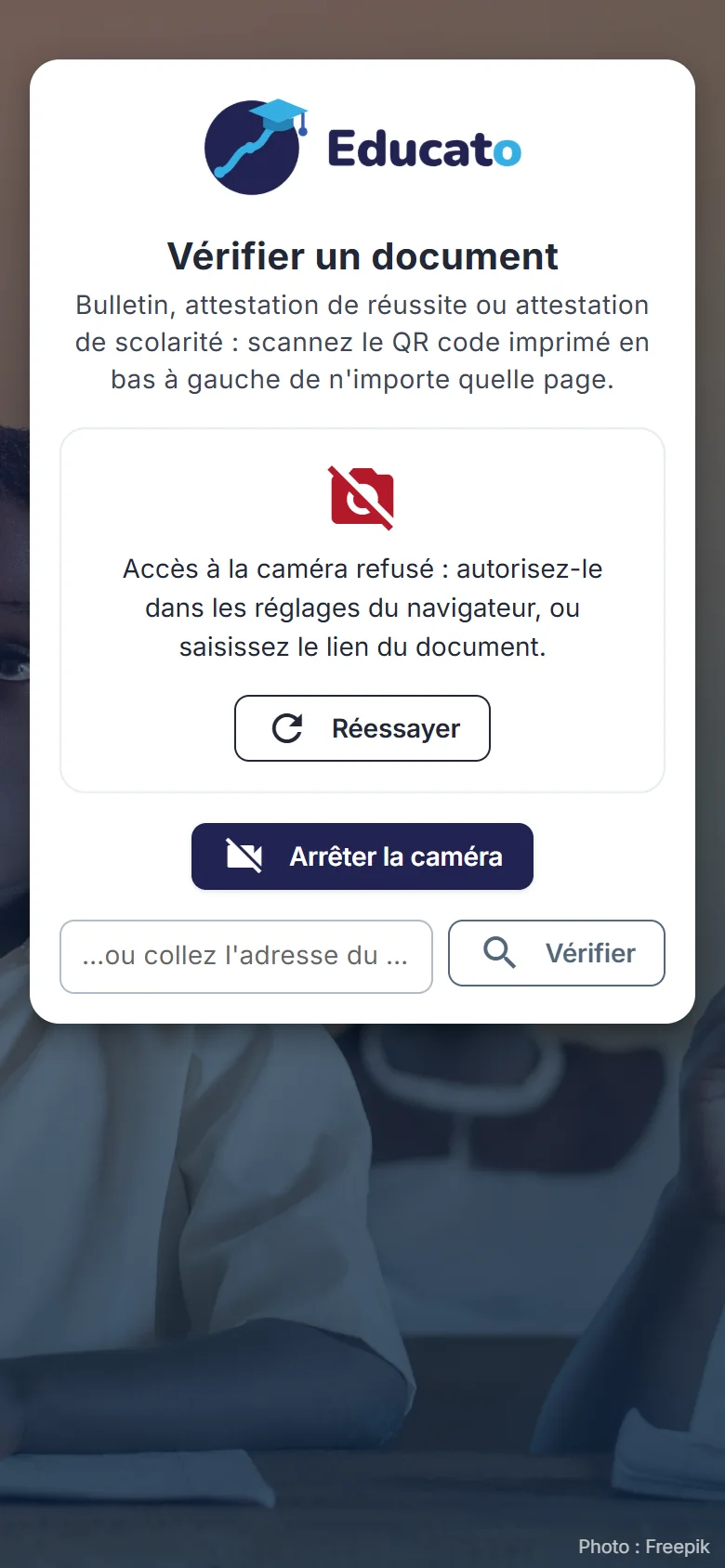
Verify a document — Scan the QR code, no account needed
PublicVerify a documentScan the QR code, no account needed
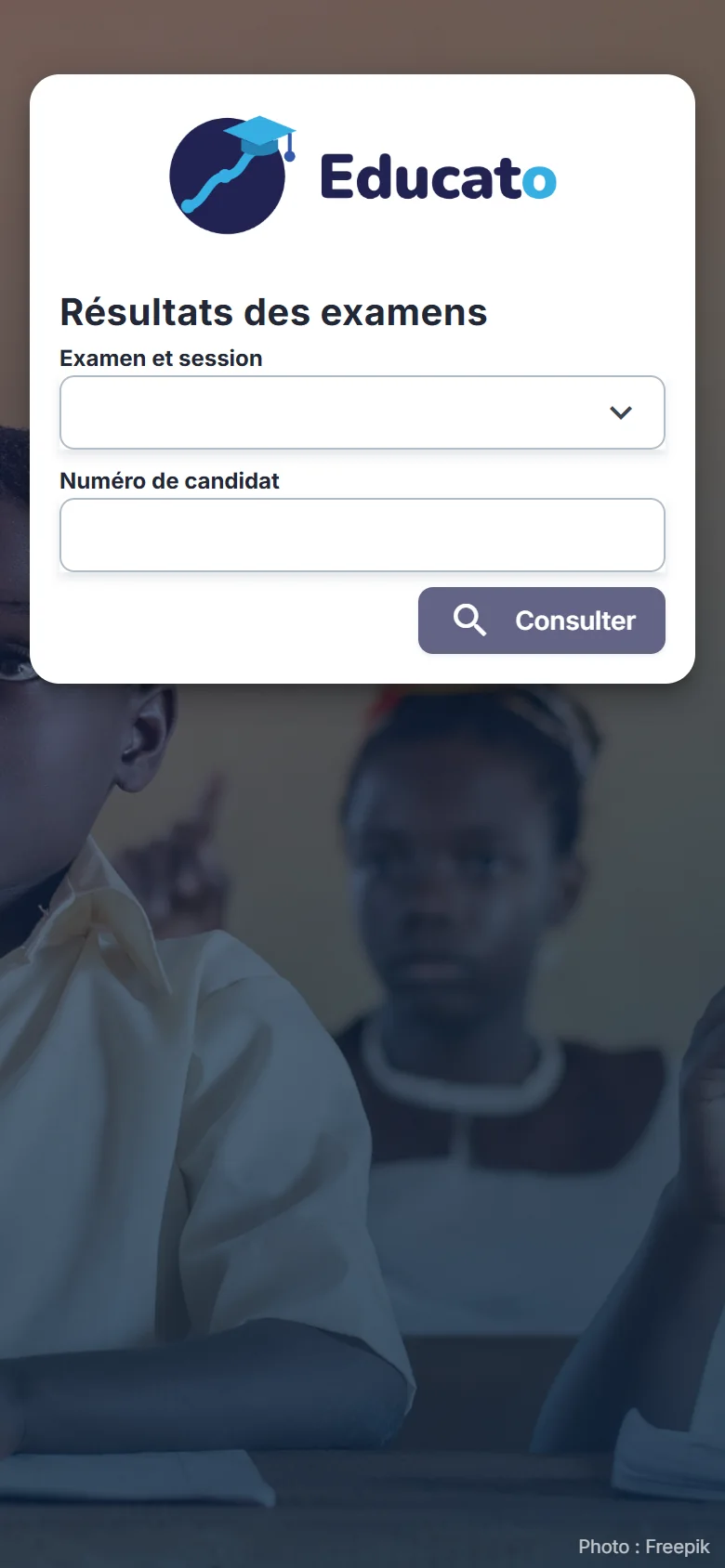
Exam results — By candidate number
PublicExam resultsBy candidate number