
Receive your code
The school gives the parent an activation code, printed or passed on by another parent who is already registered.
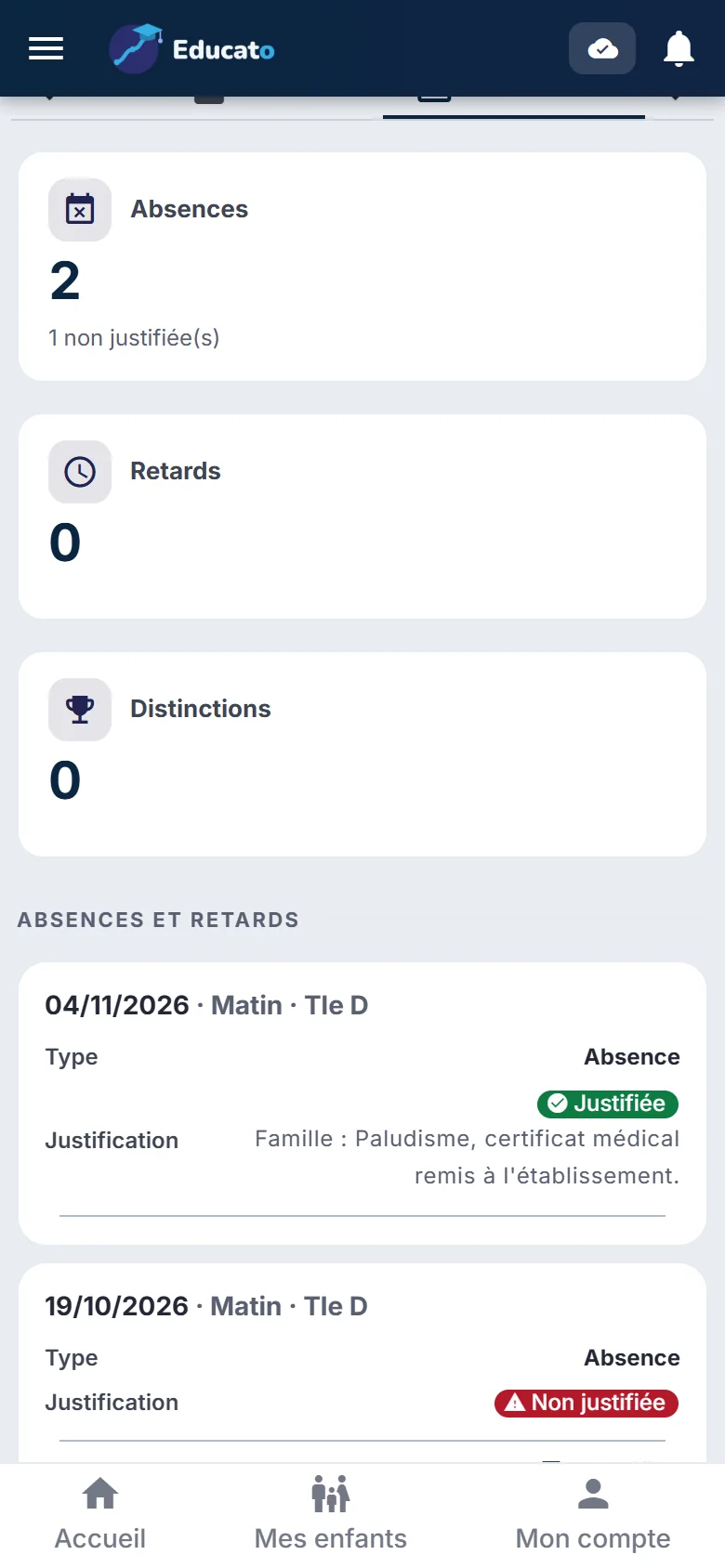
One account for all your children, whatever their school. Report cards, grades, absences, conduct, exams and guidance, at any time, without having to travel.
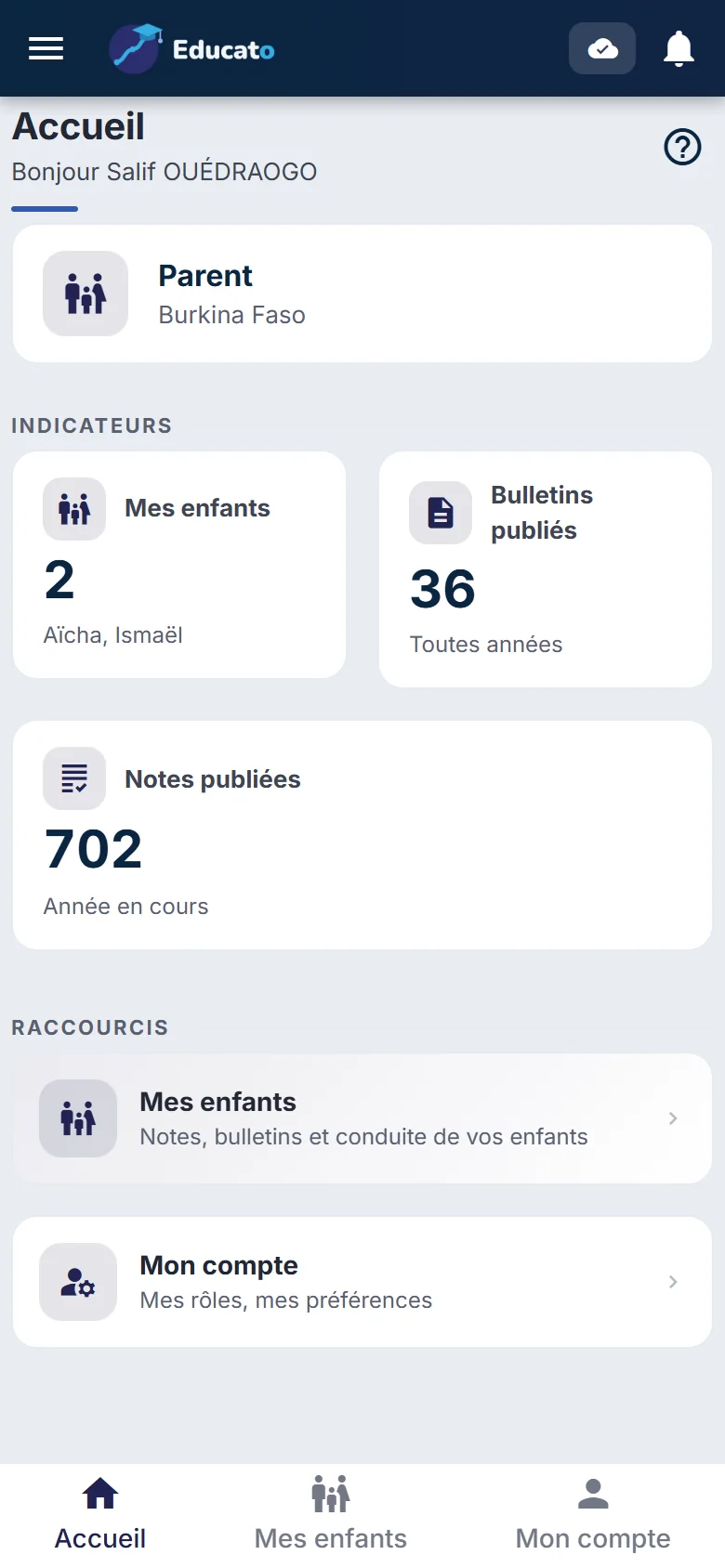
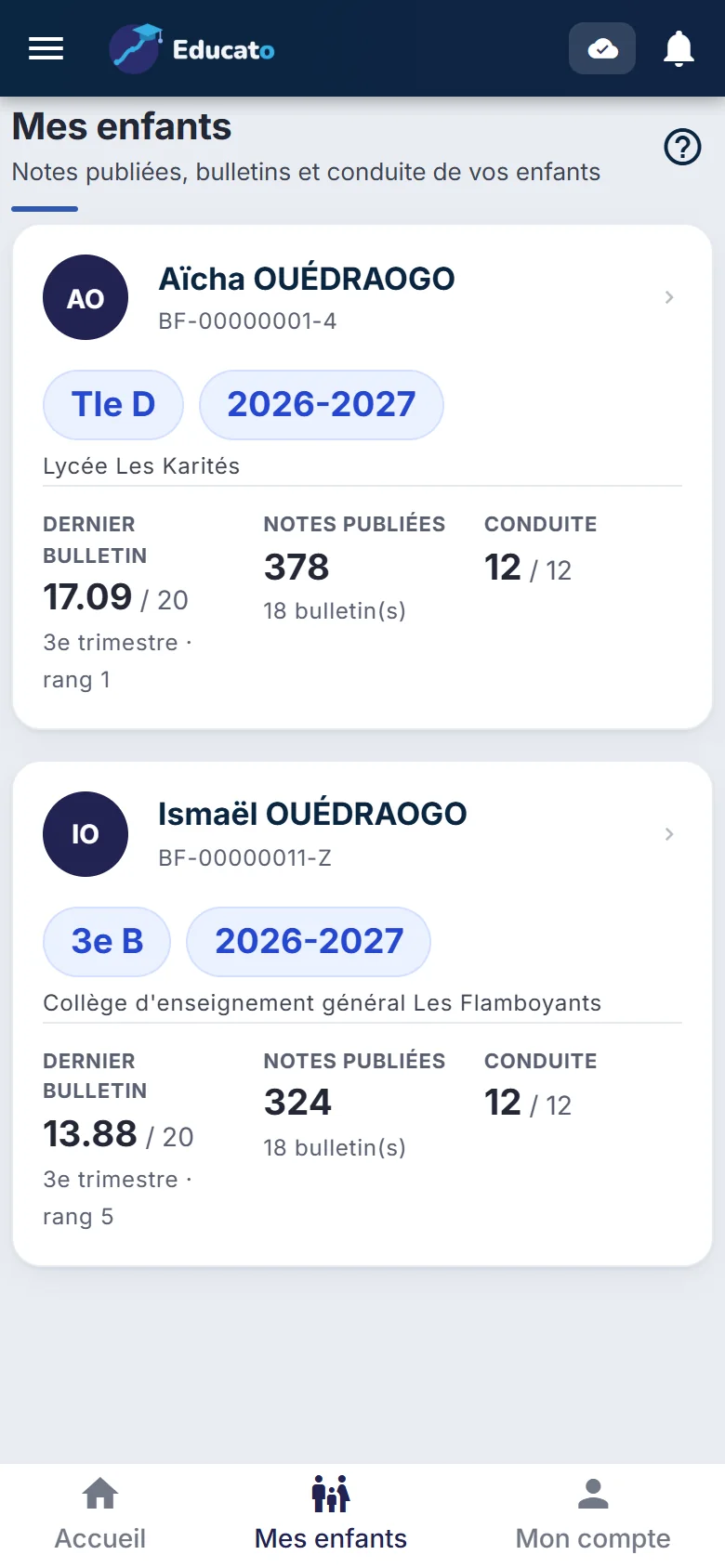
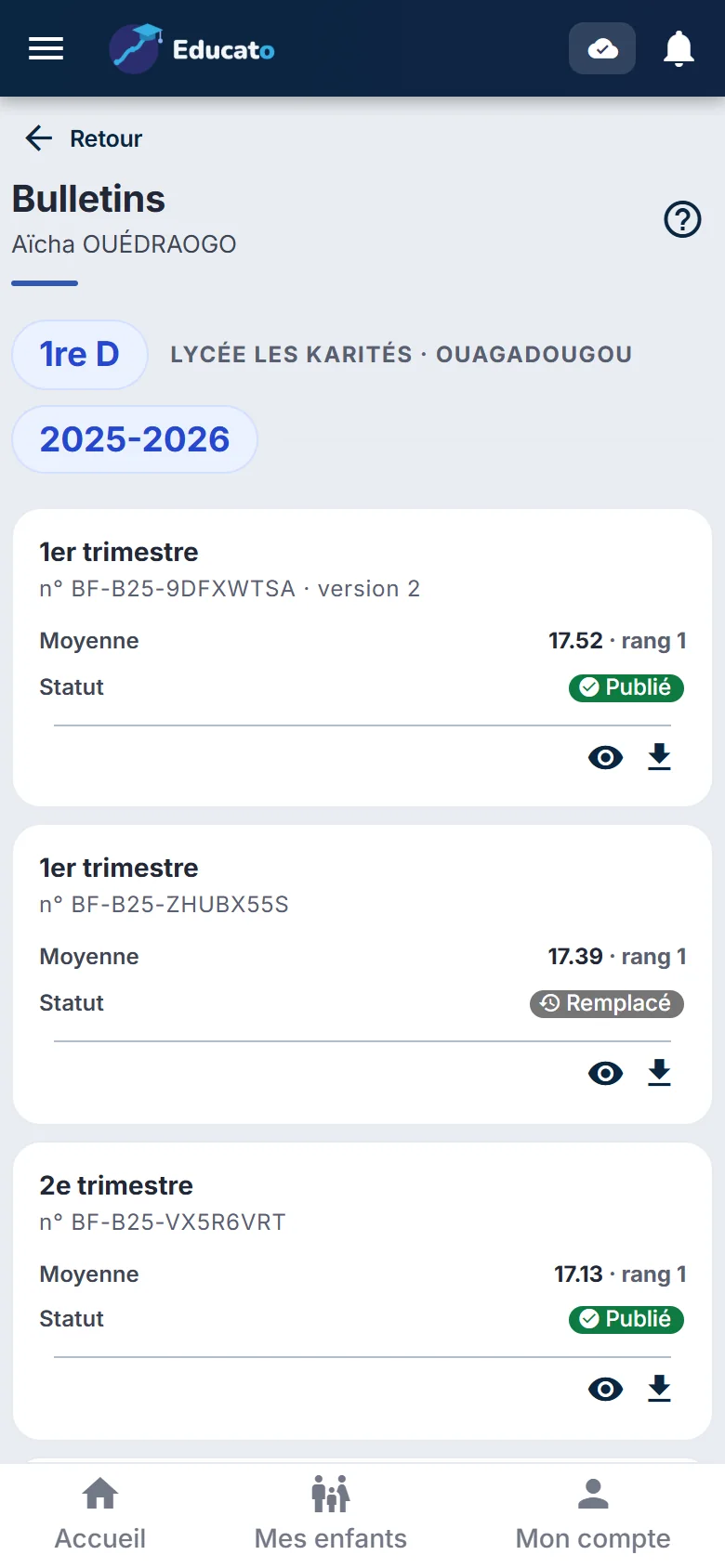
The school gives the parent an activation code, printed or passed on by another parent who is already registered.
"I have an activation code": the account is created with your phone number, no email required.
All your children linked to the same account, from primary school to high school.
A term's grades appear when the school publishes the report cards: families see final results, never grades still being entered.
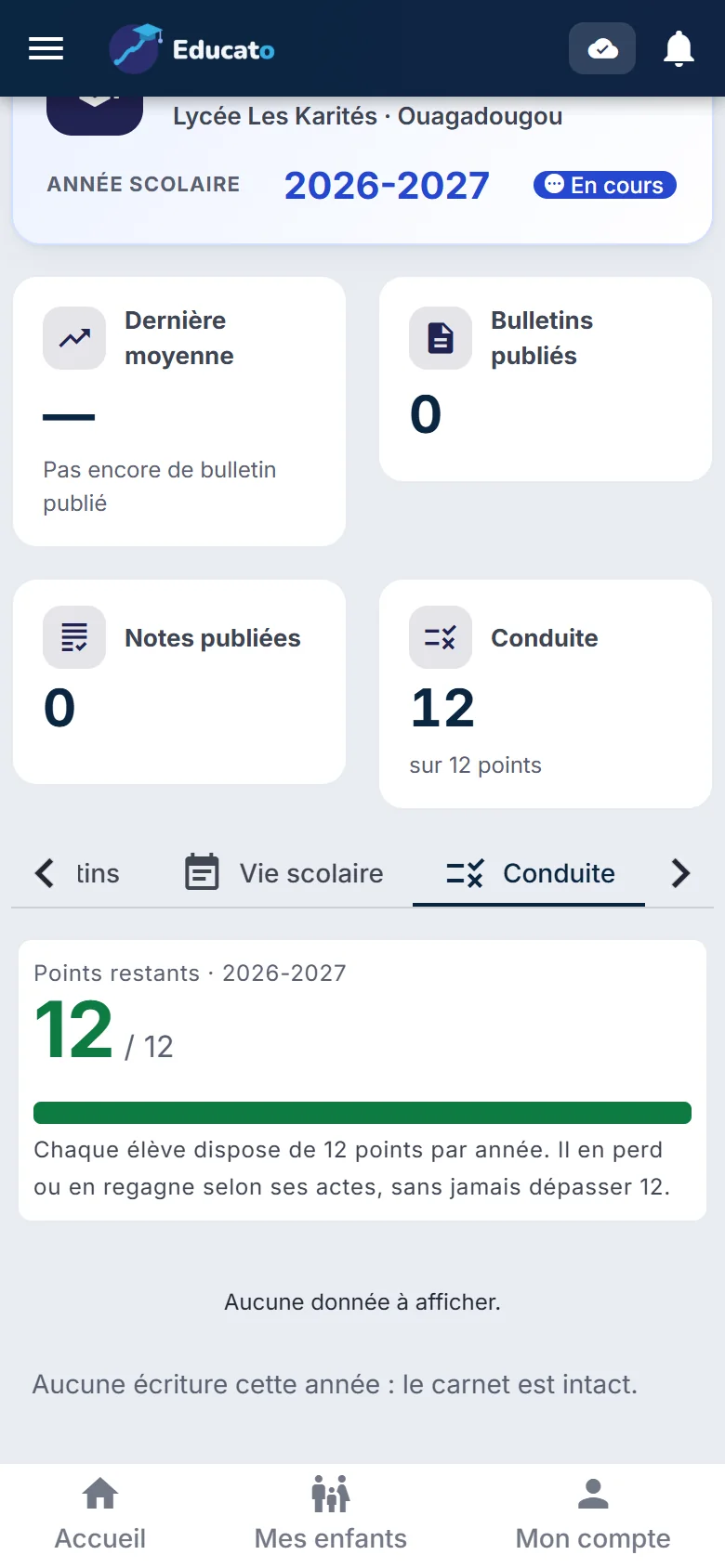
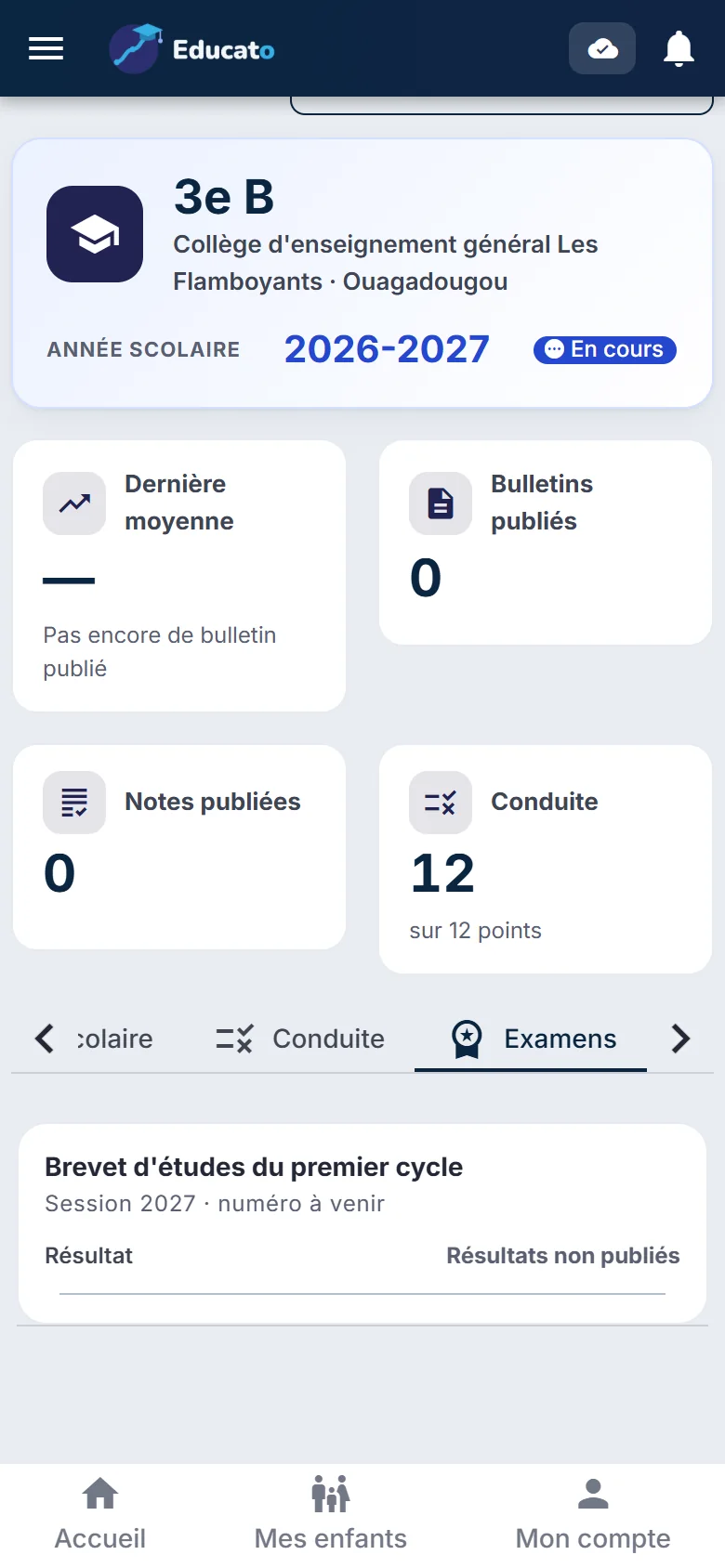
The report card opens directly in the app, can be downloaded and shared. It remains available for the student's whole life: no more report cards lost, torn or missing when it is time to enrol.
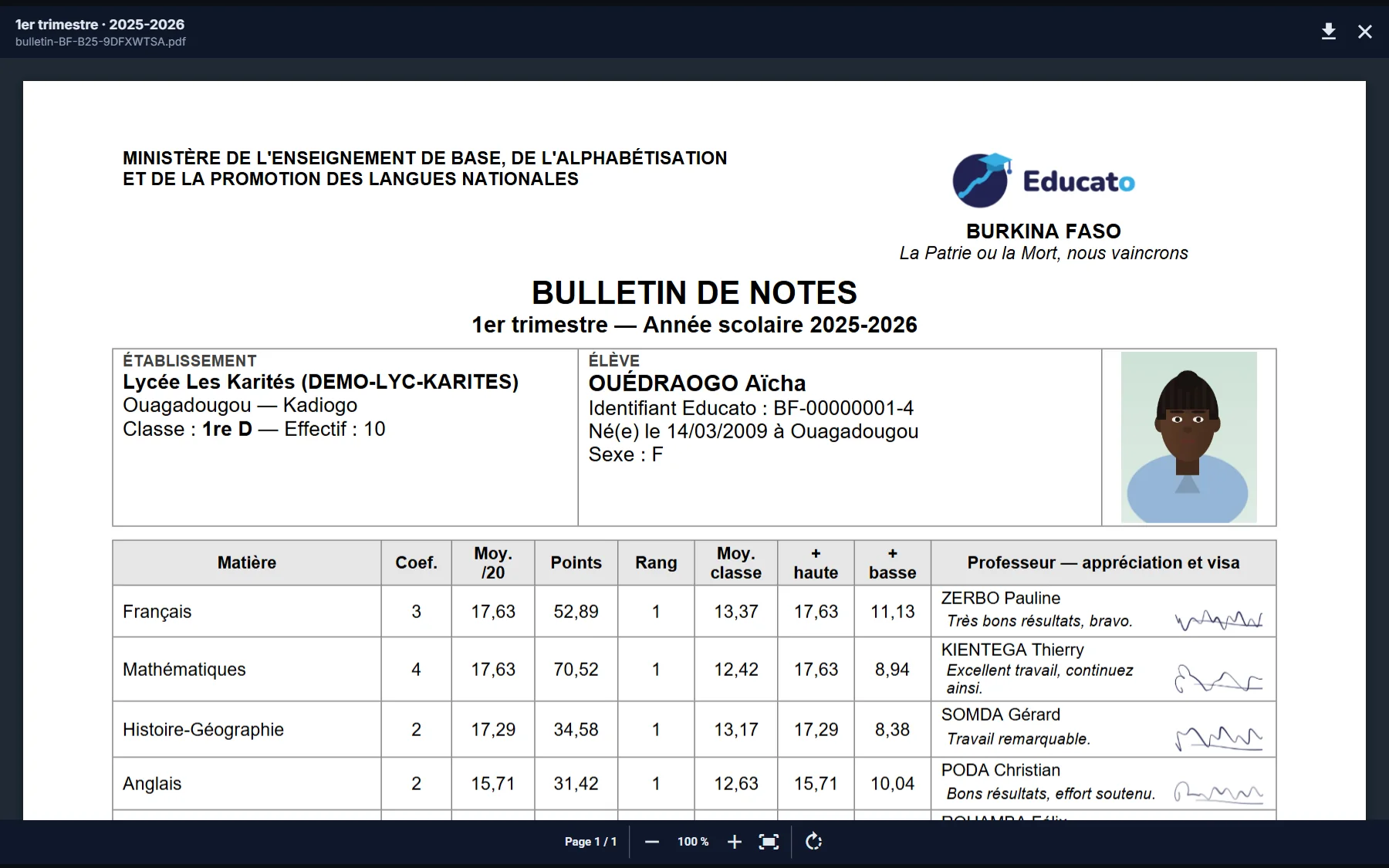 Report card in the app
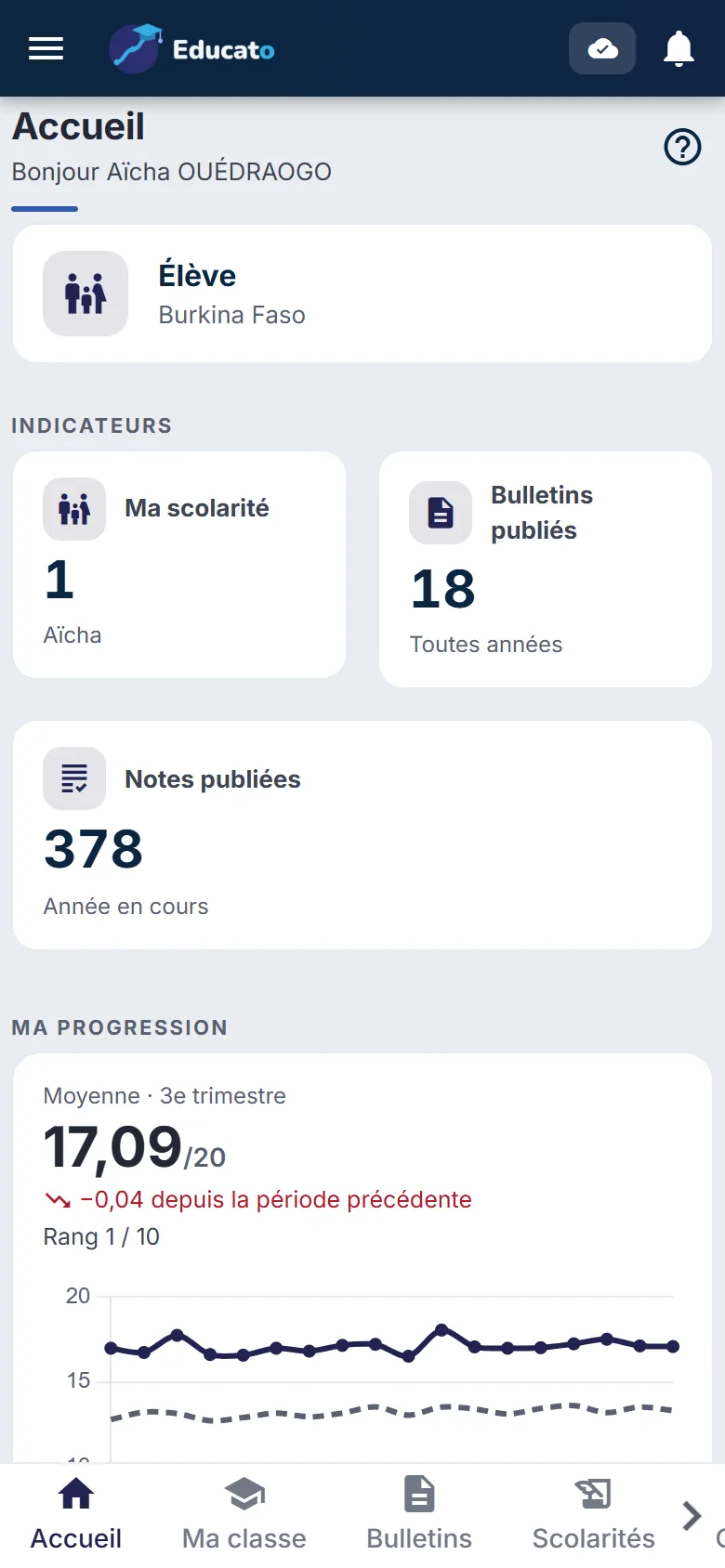
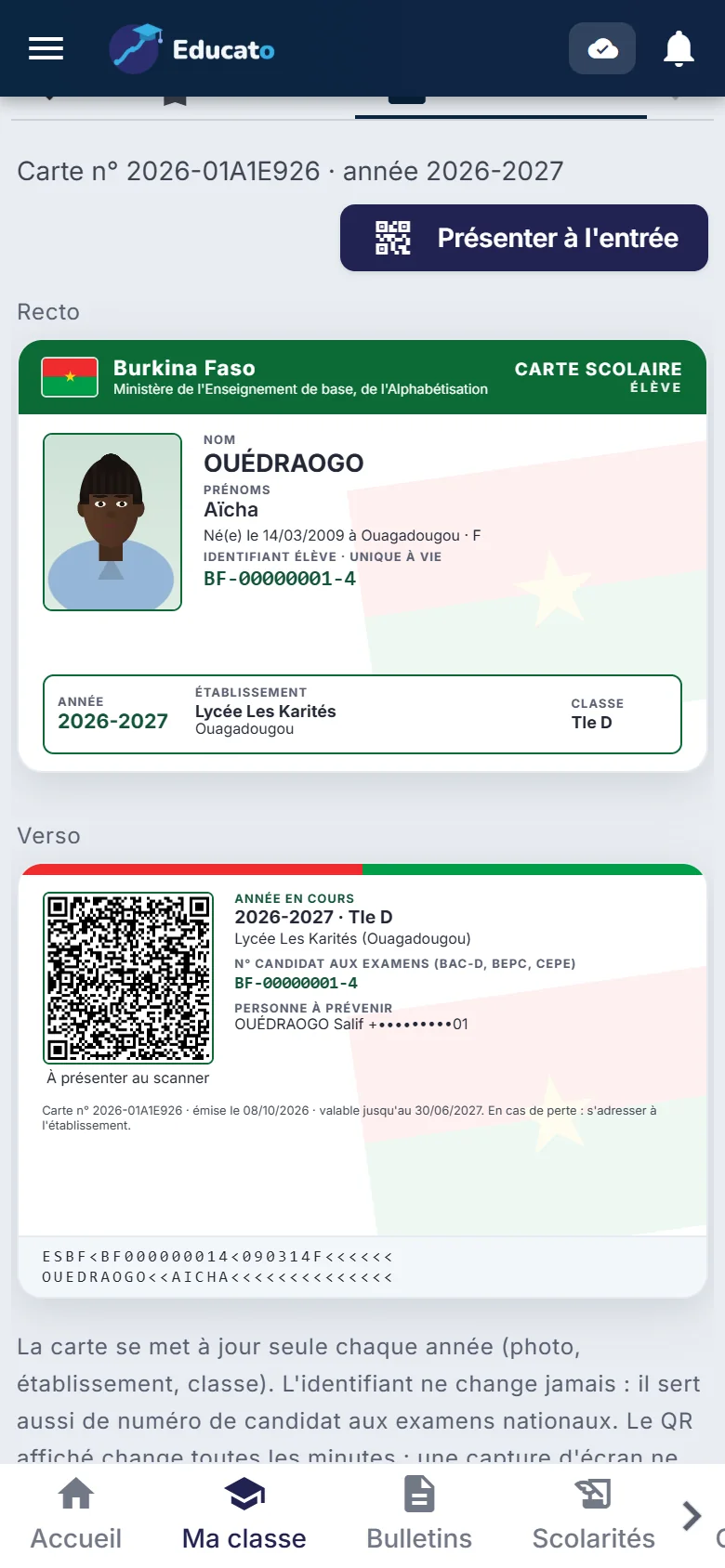
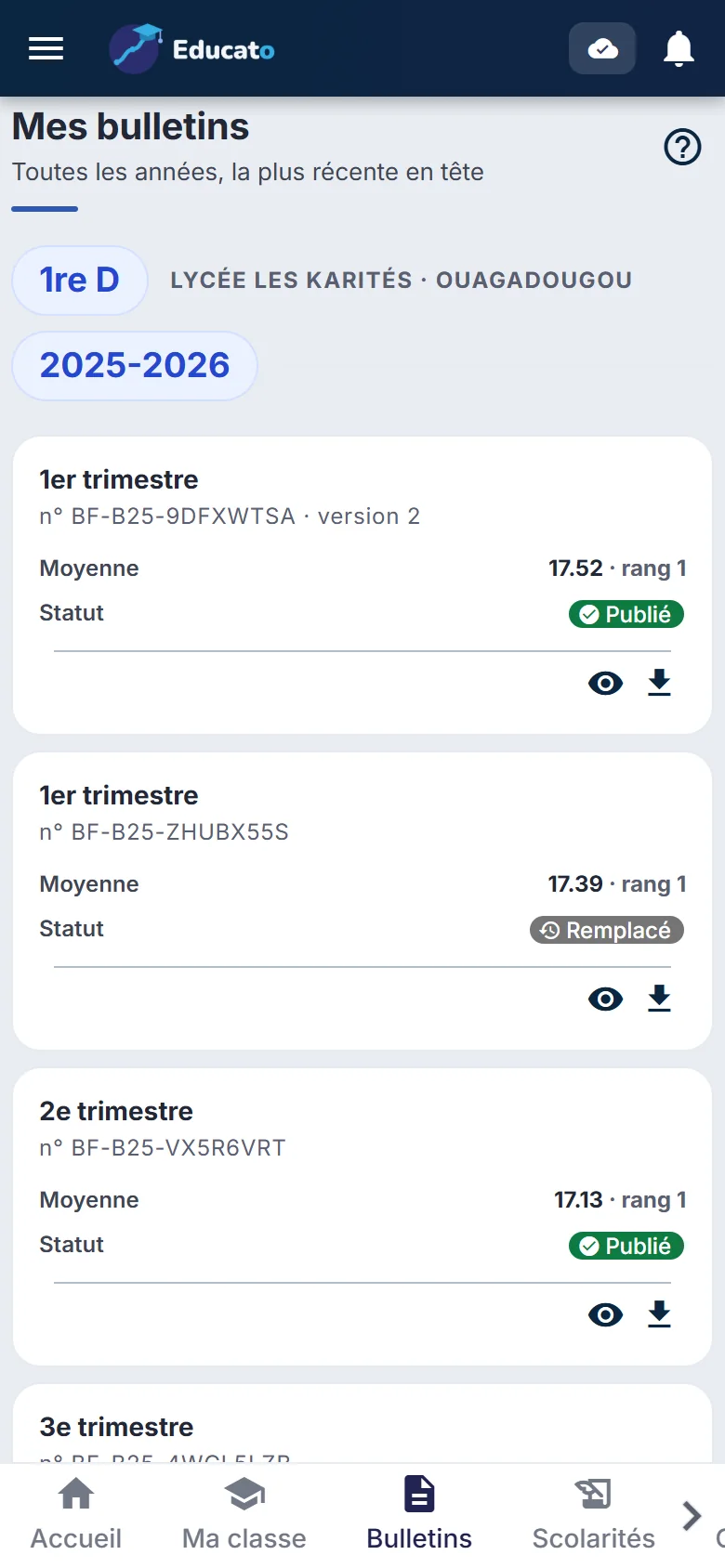
With their parents' consent, students open their own account: they find their report cards, their school ID card to show at the gate, their exams and their guidance proposals. Parents can suspend the account at any time.

Ask the school office for your activation code, then sign in with your phone number.